One Month In: How Outlook Folders + Microsoft Copilot Transformed My Workflow
About a month ago, I decided to take control of my inbox. I paired a new Outlook folder structure—Action, Read Later, Waiting On, and Archive, with Outlook Rules and Microsoft Copilot.
Honestly, that first week felt like I was adding complexity to my already chaotic workflow, too many folders, rules, and decisions. But I gave it time and kept tweaking, and now, four weeks in, it’s made a massive difference.
Week 1: Organized Chaos
In the beginning, the new system felt like more overhead than benefit. I was moving messages manually and questioning whether this would ever feel intuitive. But I leaned into the two-minute rule: if it takes less than two minutes, just do it. That slight shift helped me keep the flow moving; quick replies out immediately, and the rest went to their proper folders for later focus.
Weeks 2–4: Momentum and Muscle Memory
By week two, Outlook Rules started to do the heavy lifting. Emails from known senders, newsletters, and approvals were automatically filtered into their appropriate folders, which cut down on clutter and distraction.
Microsoft Copilot in Action.
Copilot helped me take those “I’ll get to it later” emails and turn them into fast, meaningful responses. It generated drafts using past threads, saving me time and mental effort. More importantly, it re-energized me to re-engage with items sitting in the Action folder for too long.
I wasn’t just responding but following up, driving momentum, and closing loops.
Friday Focus Blocks
One of the biggest wins has been my Friday morning focus block. Right after my morning routine (more on that in a minute), I carve out dedicated time to tackle my Read Later and Action folders. With Copilot summarizing emails and suggesting follow-ups, I can clear the decks in 30–45 minutes, which used to take hours.
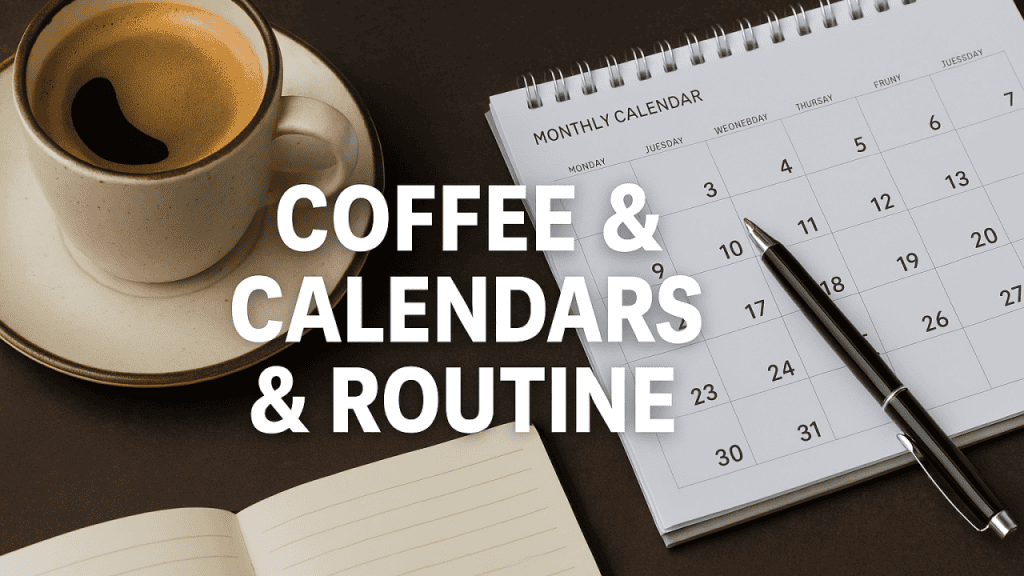
The New Routine (Now with More Coffee)
Each day now starts with:
- Workout – Move the body to clear the mind.
- Coffee #1 – Because of priorities.
- A quick scan of the Action + Read Later folders
- Use Copilot to knock out follow-ups and summaries
- Focus time to close loops and drive outcomes
- Coffee #2 – One cup, two cups, isn’t enough.
I’m not reacting to my inbox anymore + I’m running it on my terms. My mornings feel intentional, my inbox feels manageable, and my time feels like it’s finally mine again.
Results After One Month
- Reduced mailbox clutter + Faster response times to customers and internal teams
- Less time spent sorting emails manually
- More energy for meaningful work
- Inbox that works with me, not against me
I’m no longer wasting energy managing folders within folders. I’ve simplified the structure, automated the noise, and turned Copilot into my daily co-worker. This routine has brought clarity, efficiency, and peace of mind to my day.
Your Turn
Are you using this method yet? Has it changed how you work or even how you feel?
If not, I highly recommend giving it a shot. Sometimes, the difference between burnout and balance isn’t about doing more + it’s about building a system that works for you.
#InboxZero hashtag#MicrosoftCopilot hashtag#TimeManagement hashtag#ProductivityHacks hashtag#DigitalWellness hashtag#CoffeeAndCalendars hashtag#WorkSmarter hashtag#FocusRoutine hashtag#Microsoft365 hashtag#GrowthMindset hashtag#MichaelEarls